
The short answer: disable first, delete only on purpose
Disable the eSIM if you might use it again, are troubleshooting, or simply want the line out of the way for a while.
Delete it when the plan is finished, the provider explicitly tells you to remove it, or you have confirmed how that exact provider handles reinstallation.
If you already deleted it, do not assume the original QR code or installation button will work again. Open the provider account/app first and follow its recovery path.
This is a different problem from an eSIM that is merely not connecting after you land in Thailand. A phone can have the correct profile installed and still fail because the wrong line is selected for data, roaming is off, or the APN/network needs attention. Deletion changes the problem from connectivity to profile recovery.
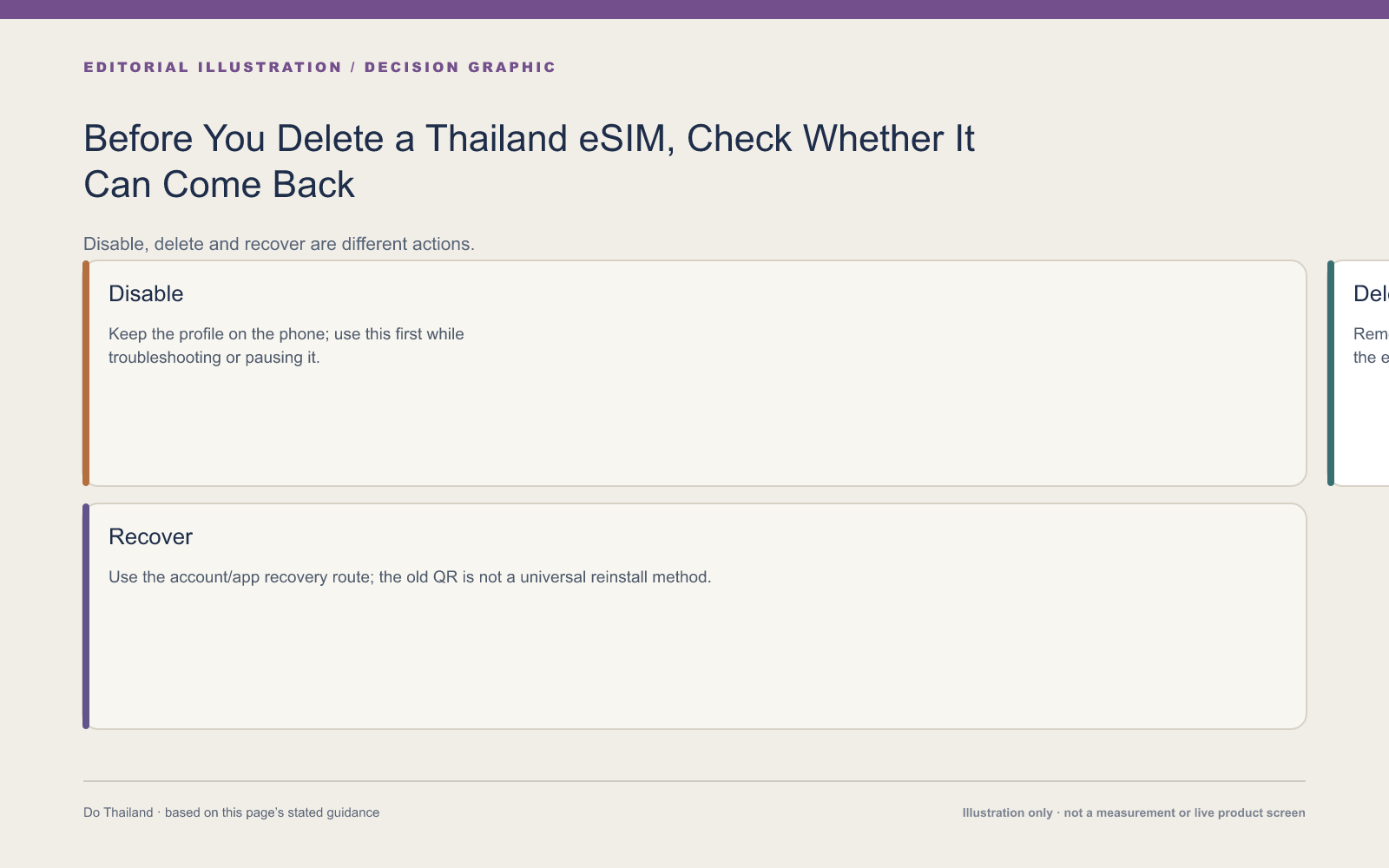
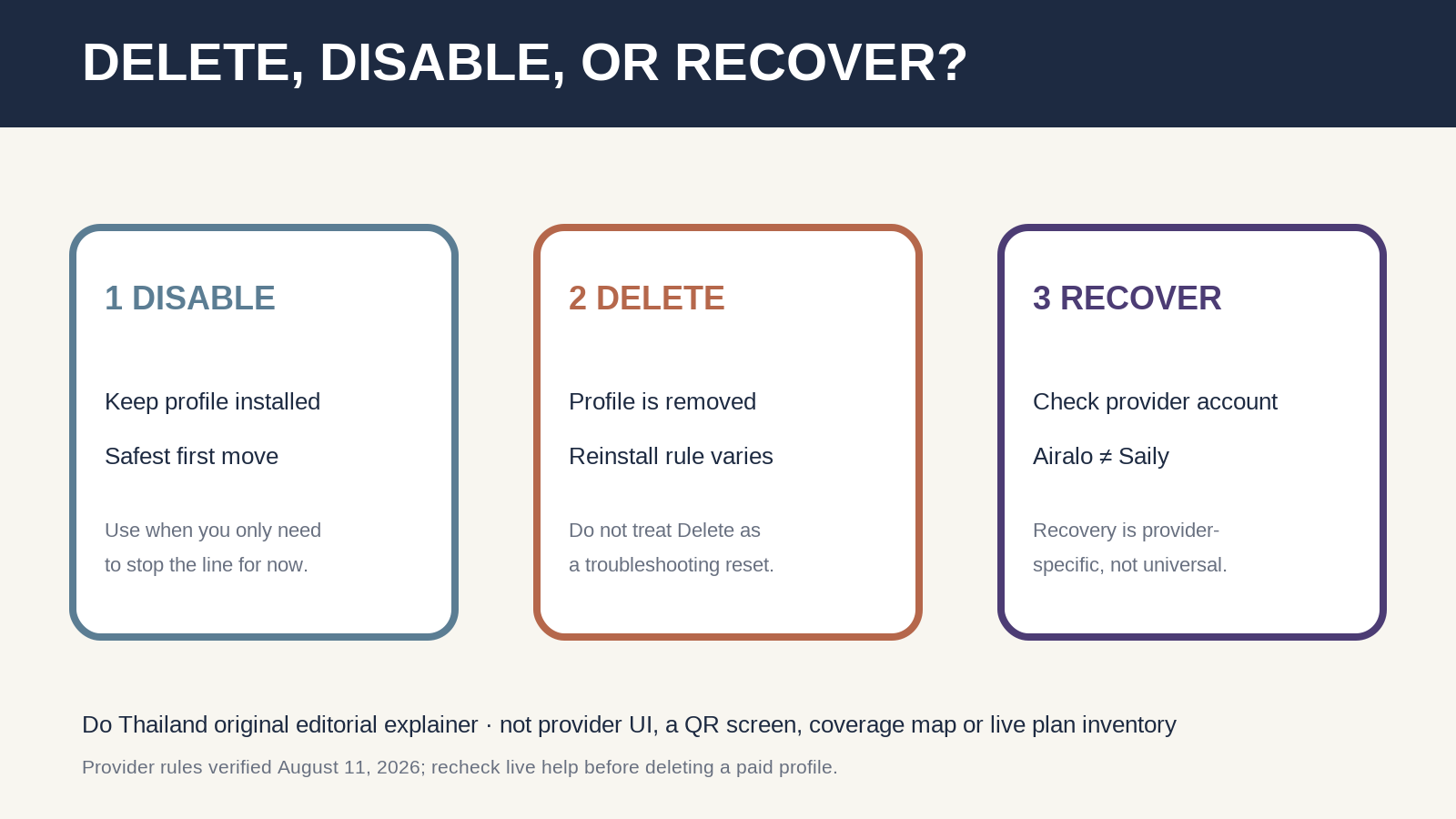
Three actions that look similar but are not
Turn the eSIM off
The profile stays on the phone. You can usually switch it back on later without repeating the installation. This is the sensible first move when changing SIM priorities, testing another line or parking a travel eSIM after a trip.
Delete / remove the eSIM
The phone removes that installed profile. Whether you can get it back depends on the provider's rules and the status of your plan. Deleting is not the same as toggling the line off.
Recover or replace it
After deletion, the provider may offer a reinstall button, a recovery check, a replacement eSIM or support intervention. There is no universal “scan the same QR again” rule.
Airalo and Saily currently handle reinstallation differently
I rechecked both providers' current support material on October 12, 2026. Their recovery paths still differ, so check the policy before deleting a profile you may need again.
Airalo: treat Delete as a serious action
Airalo's current help guidance says its eSIMs typically cannot be reinstalled and advises users not to remove an eSIM they still intend to use. If you need to stop using it temporarily, Airalo recommends disabling it instead; disabling does not pause the validity clock.
If the profile has already been deleted, Airalo says the app may offer a “Deleted your eSIM?” recovery path. Airalo then checks whether that specific eSIM can be reinstalled. If it cannot, the next step may be a replacement or support—not simply scanning the old installation data again.
Saily: a documented reinstall path exists
Saily's current help center says you can reinstall a Saily eSIM and even move it to another device as long as you sign in to the Saily app with the same email address. Its current iOS and Android instructions explicitly remove the existing eSIM and then return to Saily app → eSIMs → Install eSIM.
Saily also says that if installation fails, reinstalling the Saily app is one of its troubleshooting steps, with support available if the problem continues.
That difference is exactly why generic advice such as “just delete and reinstall the eSIM” is too loose. The safe answer is: check the provider first.
Before tapping Delete, make these five checks
Ask whether you actually need deletion
If the goal is to fix “No Internet,” work through the active line, roaming, APN and network checks in our Thailand eSIM troubleshooting guide. Apple currently also tells iPhone and iPad users not to erase an eSIM as a troubleshooting step unless directed by the carrier.
Check whether there is paid data or validity left
Do not throw away a profile just because you are changing cities, switching between Wi-Fi and cellular, or temporarily using another SIM. If you are still deciding whether you need more allowance, use the Thailand data guide or the 30-day plan vs top-up guide instead.
Open the provider account before you remove anything
Confirm that you can still sign in, see the eSIM/order and access support. If a provider uses an app-based recovery flow, discovering that your login is broken after deletion makes an unnecessary travel problem harder.
Save information that helps support identify the purchase
Keep the order confirmation, provider account email and any plan identifier visible in your account. Do not post QR codes, activation codes or account credentials publicly. The goal is to preserve proof of purchase—not to keep a screenshot of sensitive activation data in a shared album.
Make sure you have another internet connection for recovery
If you delete the only working mobile-data line, reinstalling may require Wi-Fi or another SIM. This matters more on an airport, pier or late-night transfer day than it does while sitting in a hotel lobby.
If you already deleted the eSIM, use the provider's route—not guesswork
Already deleted an Airalo eSIM?
Open the Airalo app and find the affected eSIM. Airalo currently documents a “Deleted your eSIM?” option for eligible recovery. Let the app check whether that exact eSIM is reinstallable. If it says it is not, contact Airalo support rather than repeatedly scanning old QR information or buying a second plan immediately.
If the plan was never activated or a replacement is required, eligibility depends on the exact product and circumstances. Do not assume every Thailand package follows the same recovery rule.
Already deleted a Saily eSIM?
Sign into the Saily app using the same email address associated with the eSIM. Saily currently tells users to open eSIMs and select Install eSIM. If the app cannot install it, Saily's current help page says to reinstall the Saily app and then contact support if necessary.
The ability to reinstall is a provider feature, not an iPhone or Android guarantee.
Your phone can expose both “turn off” and “delete” controls—use the right one
On iPhone, Apple separates removing an eSIM from normal cellular-line management and warns that erasing an eSIM means you will need the carrier/provider to get a new one. During a full Erase All Content and Settings, Apple also lets you choose whether to keep or erase eSIMs.
On Pixel, Google likewise documents a temporary Turn off a SIM action separately from Delete an eSIM. If your goal is only to stop the Thailand line for the moment, use the reversible control.
Do not confuse factory reset, phone transfer and ordinary troubleshooting
These are three different situations. If you are selling or giving away the phone, deleting the eSIM can be appropriate. If you are moving service to another device, follow the provider's transfer/reinstall instructions. If the eSIM simply stopped giving you data in Phuket or Bangkok, deleting it is usually too aggressive as a first diagnostic step.
The same separation matters when you keep a home number for bank codes. If you are juggling two lines, read how to keep your home SIM active for OTPs without using it for Thailand data. If two travelers are sharing a phone hotspot, removing the host phone's eSIM also removes the other person's connection; see our one hotspot plan vs two separate eSIMs decision.
Late arrival rule: do not experiment with deletion before the transfer is secured
If you have just landed and need Grab, Google Maps, a hotel message thread or a pier pickup, preserve whatever connectivity you have. Use airport Wi-Fi to save the hotel address, pickup details and offline map first. Then troubleshoot.
If the profile is still installed, leave it installed while you test the data line and network. If it is already deleted, stay on reliable Wi-Fi while you run the provider recovery flow. The worst time to discover that reinstallation requires support is after walking out of the terminal alone at night.
When buying a replacement is finally reasonable
A replacement plan makes sense only after you know the old profile cannot be restored in time for the trip. That might be because the provider confirms the eSIM is not reinstallable, support cannot restore it, or waiting for recovery would materially disrupt an arrival or transfer.
Before buying again, make sure the phone is still eSIM-compatible and unlocked, then decide whether you want the same kind of package. If you are choosing by validity and activation timing, use when to install and activate a Thailand eSIM. If you are deciding between a large fixed plan and an “unlimited” offer, read Thailand unlimited vs 20GB. Multi-country travelers should also check whether a Thailand-only or Asia regional eSIM better matches the remaining itinerary.
If you genuinely need a replacement, compare the current Thailand plan—not an old screenshot
Airalo and Saily both currently sell Thailand eSIM options, but package availability, validity, data allowance, activation and recovery rules can change. Recheck the exact plan immediately before paying. If your old plan can still be recovered, recovering it is usually cleaner than buying duplicate data.
The rule worth remembering
Disable is reversible. Delete may not be. If a paid Thailand eSIM is still installed, keep it there until you have either finished the plan or confirmed the provider's recovery path. And if someone tells you to “delete and reinstall” as generic troubleshooting advice, check the provider before you tap anything.