
The decision in one sentence
Use a Thailand eSIM hotspot as your main laptop connection only when the consequence of a weak or throttled mobile session is small. If missing one meeting would matter, build two independent ways to get online before you need either one.
This is not the same decision as sharing one hotspot between two travelers. There, the weak point is independence: one person walks away and the other loses data. Here, the weak point is work continuity. Your phone can be beside the laptop all day and the setup can still be too fragile if every task depends on one cellular session.
Before comparing plans, pass the boring but essential hardware gate: confirm the exact phone is eSIM-capable and carrier-unlocked. If it is not, the rest of the plan discussion is irrelevant.
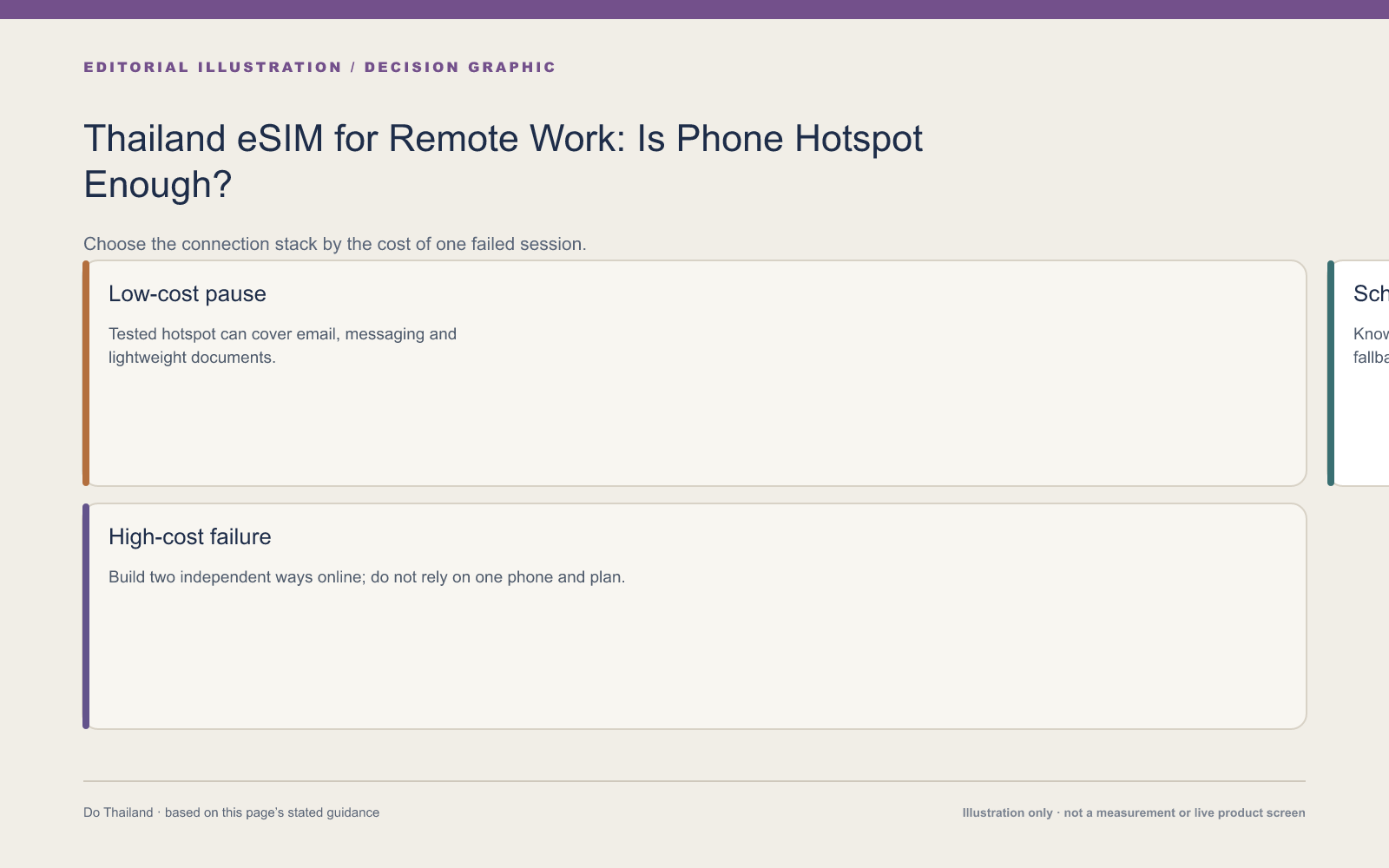
Choose by the cost of failure, not by the word “remote work”
Hotspot can be primary
Email, messaging, lightweight browser work and documents you can continue later. A tested eSIM hotspot may be enough if you are comfortable moving to Wi-Fi when needed.
Wi-Fi first, hotspot ready
Scheduled video meetings, shared-screen sessions or work that cannot simply pause for an hour. Use a known Wi-Fi connection first and keep the phone hotspot ready to take over.
Build redundancy
Live teaching, interviews, client presentations, production uploads or any session where failure has a real cost. Do not make one phone and one mobile plan the entire network design.
If you already have useful Thailand roaming on your home plan, that can be part of the redundancy instead of something to avoid automatically. Our Thailand eSIM vs roaming-pass guide shows when the familiar home line is actually the cleaner option. The goal is not to collect SIMs; it is to remove a single point of failure.
A work-safe connection stack
Airalo and Saily both support hotspot use — but the plan shape still matters
Current provider documentation makes one point clear: tethering itself is not the main question. Airalo says personal hotspot/tethering can be used when the device and network support it. If an Airalo eSIM requires a manual APN, its help centre says the hotspot APN may need the same setting. Saily's current help centre also provides iOS and Android hotspot setup instructions once the eSIM is enabled.
Airalo Thailand
Airalo currently sells both fixed-data and unlimited Thailand plans. Its current Thailand unlimited inventory documents a lower-speed rate of 1 Mbps after 3 GB of usage per day. That is the detail a laptop user should notice: “Unlimited” means data continues; check the package’s fair-use limit to see when speeds may drop during a work session.
If you choose Airalo for work, check the exact package's current installation/network details as well as the allowance before purchase.
Saily Thailand
Saily's current Thailand page includes fixed-data and unlimited options and says hotspot access is available. Its current fair-usage policy gives unlimited-plan users 5 GB of full-speed data per 24 hours, then reduces speed to 1 Mbps or less until the period resets. The same FUP also identifies excessive tethering/hotspot use as prohibited.
Saily supports tethering; check its fair-use limit before relying on it for office broadband.
If you are choosing between a fixed bucket and a daily fair-use cycle, read Thailand eSIM unlimited vs 20GB. For remote work, the distinction is especially important because laptop usage can arrive in bursts: a software update, cloud sync or video call can consume far more data in one afternoon than normal phone navigation.
Match the plan to the work pattern
| Work pattern | What usually matters most | Safer setup | What to avoid assuming |
|---|---|---|---|
| Email, docs, chat | Enough total data and a tested hotspot | Fixed-data plan can be very predictable | That laptop background traffic is negligible |
| One or two scheduled video calls | Connection stability at the exact place/time | Primary Wi-Fi + hotspot failover | That an “unlimited” label guarantees full speed throughout the day |
| Frequent video calls / screen sharing | High-speed allowance plus backup path | Two tested connections | That the phone hotspot should carry the whole workweek without a fallback |
| Large media uploads | Bursty data consumption and interruption risk | Stable Wi-Fi for upload; mobile data as rescue path | That a daily FUP will behave like a single large monthly bucket |
| Long stay with changing workload | Ability to add data without breaking the workday | Start from realistic expected use, then verify top-up path | That you should intentionally underbuy and depend on a last-minute refill |
For a first estimate, use our Thailand data-allowance guide. If you are staying close to a month, the 30-day plan vs top-up guide is the better next step. Neither article tells you to buy the largest package by default; they help separate actual usage from anxiety.
Run a 15-minute work test before the first important meeting
A speed-test screenshot is not enough. Test the exact chain you will rely on: phone → travel eSIM → hotspot → laptop → work app.
If the phone has mobile data but the laptop does not, do not immediately buy another package. Airalo's current instructions specifically note that hotspot APN settings can matter when a manual APN is required. Start with the provider's own installation details, then use our Thailand eSIM troubleshooting order. If you are tempted to delete the profile during troubleshooting, check the delete/reinstall rules first because provider recovery behavior differs.
Keep the home SIM decision separate from the laptop decision
You may still want the home number active for bank OTPs while the Thailand eSIM handles data. That is a dual-SIM routing question, not a remote-work bandwidth question. Our home-SIM + Thailand-eSIM setup explains how to separate those jobs and reduce accidental home-carrier data roaming.
Likewise, if your trip continues beyond Thailand, do not buy a regional plan simply because you are working. Use the Thailand-only vs Asia-regional eSIM decision to check whether border continuity is actually useful. And install the profile early enough to fix setup problems before a workday by following the installation and activation timing guide.
When you should buy nothing
If your accommodation/workspace Wi-Fi has already passed your real work test and your existing home plan gives you enough emergency Thailand data, another eSIM may add complexity without adding useful resilience. Keep the money. The same is true for a short trip with only light laptop work where you are comfortable moving to a café, lobby or coworking space if one connection fails.
Also do not buy a second eSIM just because the first one has a setup problem. Work through the troubleshooting path and, if needed, the refund/support decision before paying twice.
If you still need a Thailand data line, compare the live plan shapes
For laptop work, look past the headline allowance. Check the exact fixed-data bucket or daily fair-use rule, hotspot instructions, validity and activation details on the live product page before checkout.
Bottom line
A Thailand eSIM hotspot is a useful remote-work tool, but it should be judged as a connection role, not a lifestyle label. For low-consequence laptop work, it can be the main line. For scheduled calls and deadlines, make it the backup to tested Wi-Fi. For work where one failed session matters, add another independent path. Then choose the plan only after that architecture is clear.
Sources checked
Airalo Thailand live inventory: Airalo Thailand
Airalo tethering / hotspot help: Airalo Help Center
Saily Thailand live inventory and technical details: Saily Thailand
Saily hotspot setup: Saily Help Center
Saily fair-usage policy explainer: Saily FUP