
The decision in 30 seconds
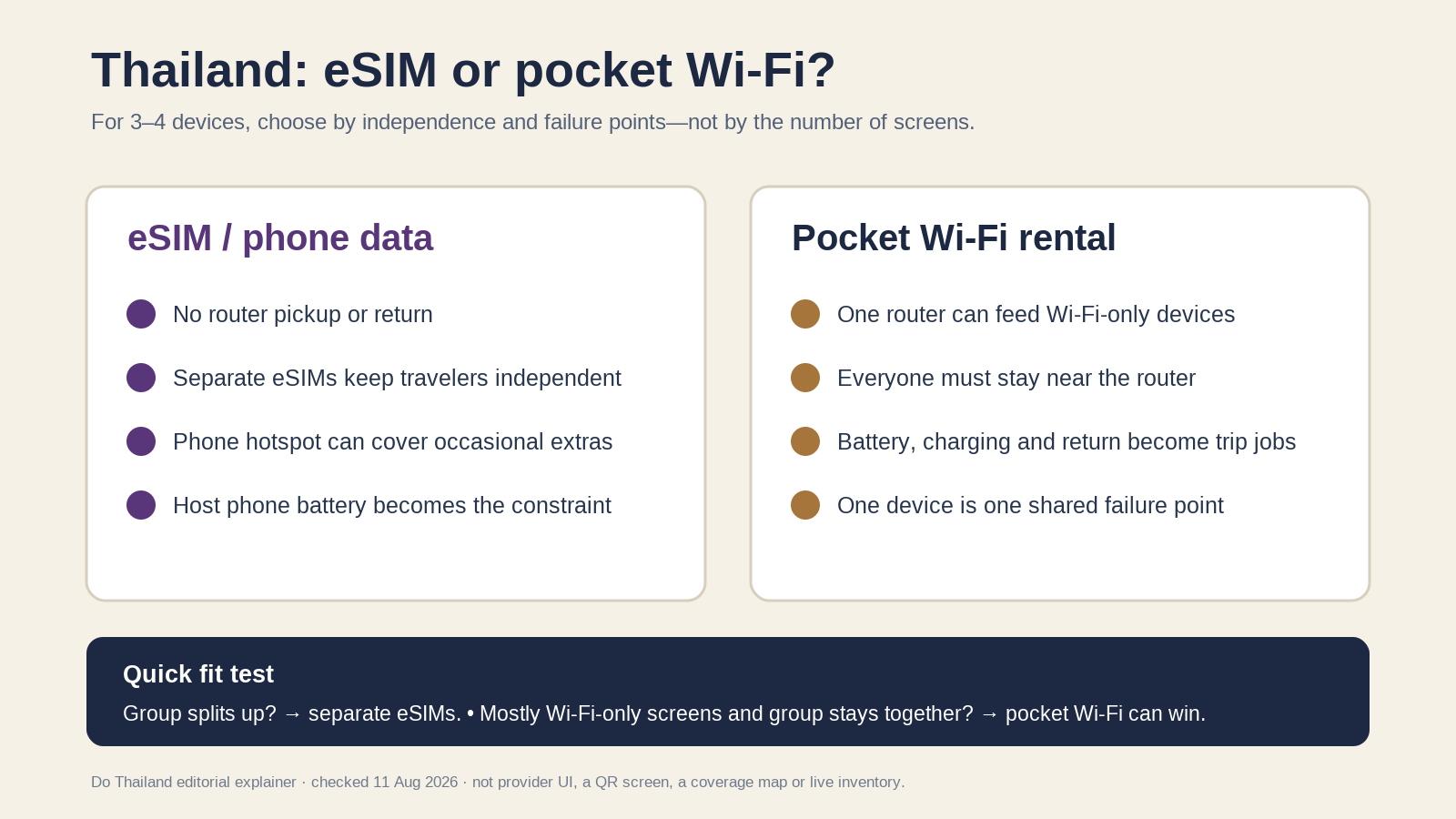
Choose separate eSIMs if two people may split up, call different rides, shop separately, meet at different entrances or simply do not want one person carrying everyone else's internet.
Choose one eSIM + phone hotspot if only one phone needs constant data and the extra laptop/tablet connection is occasional.
Choose pocket Wi-Fi if three or four nearby Wi-Fi devices need one shared connection for long periods and the group will remain physically together.
The number of devices is not the key number. The key number is how many people need internet when they are no longer standing beside the same router.
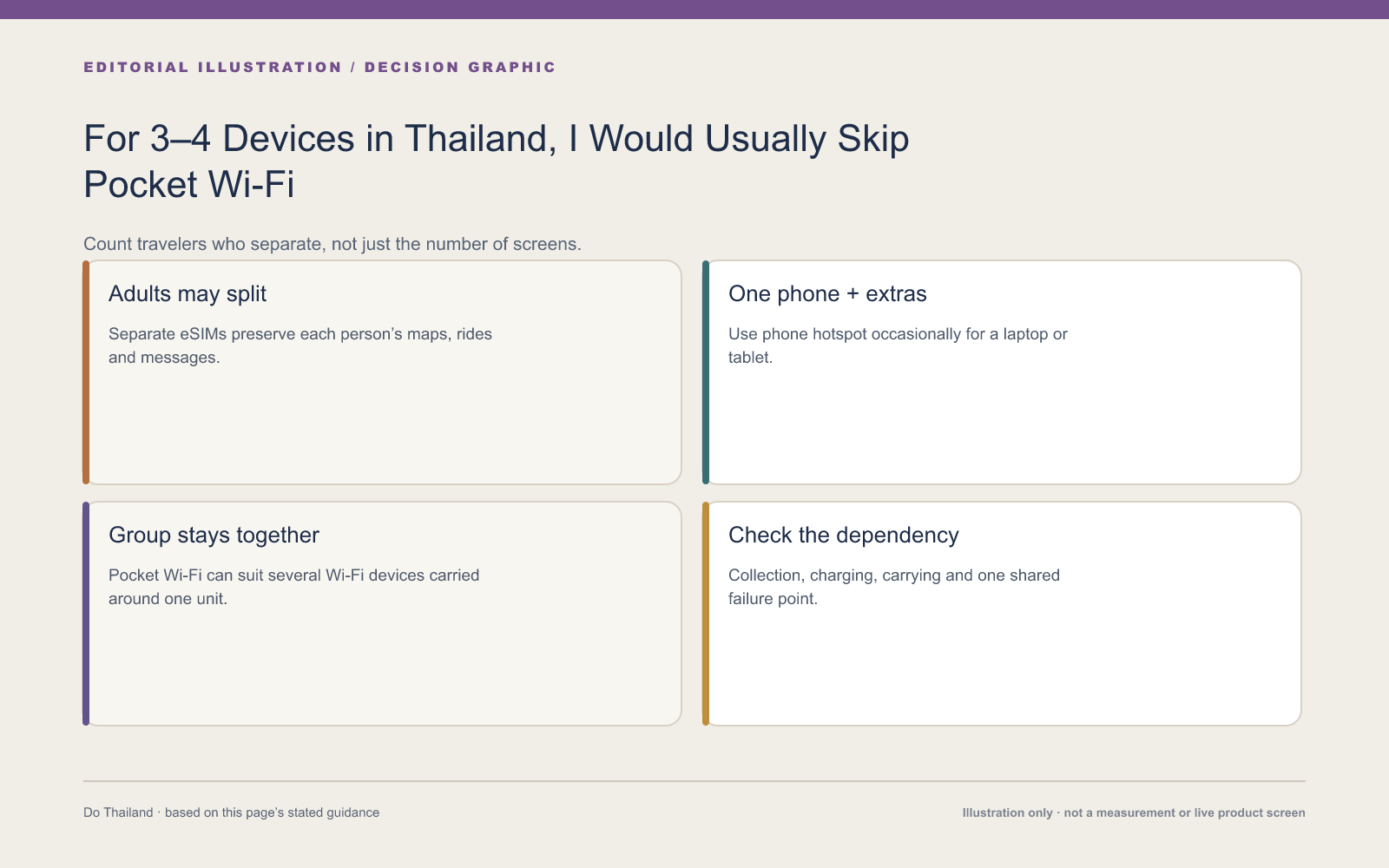
This is a different problem from deciding whether two travelers should share one phone hotspot or buy two eSIMs. Once you add tablets, laptops or a third person, a pocket router starts to look attractive—but it also creates a physical dependency that a product comparison table can hide.
Count independent travelers before you count screens
2 adults + 1–2 extra devices
Give each adult an independent mobile-data line, then hotspot the laptop or tablet only when needed. You keep separate Grab, maps and messaging while avoiding a second dedicated router.
1–2 people + several Wi-Fi-only devices
If the phones can live on Wi-Fi and the group is nearly always together, a single rented router can be tidy. This is especially relevant for a tablet-heavy family setup.
3–4 adults who split up
A single pocket Wi-Fi makes the person carrying it the group's moving internet tower. The first separate taxi, shopping detour or hotel check-in split breaks the arrangement.
If your devices support eSIM, check the exact phone and carrier-lock status first with the Thailand eSIM compatibility gate. If the extra devices are laptops used for serious work, the more relevant guide is whether a Thailand eSIM hotspot is enough for remote work.
What pocket Wi-Fi improves—and what it quietly adds
| Decision factor | Separate eSIMs | Phone hotspot | Pocket Wi-Fi |
|---|---|---|---|
| People can split up | Best. Each connected phone remains independent. | Only the host phone stays independent; other devices lose the shared connection when they separate. | Weak. Internet follows the router, not each traveler. |
| Wi-Fi-only tablet/laptop | Needs another hotspot or its own compatible plan. | Simple for occasional use. | Simple for multiple nearby Wi-Fi devices. |
| Arrival setup | Install and test before or after landing depending on provider rules. | Same as the host eSIM plus hotspot setup. | Rental can require pickup, deposit, counter handoff and later return. |
| Battery burden | Normal phone use. | Higher battery load on the host phone. | Another battery to monitor and charge. |
| Failure point | Distributed across devices. | Host phone is the shared point of failure. | Router is the shared point of failure. |
| Best use | Independent adults and arrival-day reliability. | One primary user plus occasional secondary devices. | Group stays together with several Wi-Fi-only devices. |
Pocket Wi-Fi also takes coordination: collection, charging, carrying and deciding who holds the router
A router can be technically elegant and operationally annoying at the same time. Someone has to pick it up, keep it charged, remember the cable, carry it, make sure it is not left in a taxi or café, and return it under the rental terms. Those are small tasks individually; on a transfer-heavy trip, they become another object the group has to manage.
One router also creates one shared failure point
If the pocket Wi-Fi battery dies, is forgotten in one person's bag or stops connecting, every device depending on it can fail at once. That matters most at the exact moments travel connectivity has high value: ordering a ride after dark, finding a hotel entrance, messaging a driver, opening a booking confirmation or coordinating a pier pickup.
Separate eSIMs distribute that risk. The trade-off is that you may pay for more than one plan. For many couples or friends, I consider that extra independence more useful than maximising the number of screens attached to one data bucket.
Current Thailand pocket Wi-Fi rentals show why you must check the exact product
Two current examples, checked 11 August 2026
Klook's current Thailand 4G Unlimited Pocket WiFi listing says its device can connect up to 10 devices and advertises up to 12 hours of battery life. The same current listing says customers pay a 2,000 THB cash deposit per device at the Klook counter, and it offers pickup at the Klook counter on Suvarnabhumi Airport's second floor among its options.
SmileWiFi's own current Thailand instructions are more conservative about sharing: its usage page says not to share one device with more than three devices because speed can become unstable. Its current pickup/return page lists 24-hour counters at Suvarnabhumi, Don Mueang and Phuket airports, and its booking page offers a 10,000mAh power-bank rental as an add-on.
That difference is the point: “pocket Wi-Fi” is not one standardized product. Device limits, battery, deposit, pickup and return rules belong to the exact rental you book. Do not transfer one provider's headline to another.
An eSIM does not mean every screen needs its own eSIM
Both Airalo and Saily currently document hotspot/tethering support. Airalo says personal hotspot can work when the device and network support it, and notes that a manually required APN may also need to be entered for the hotspot APN. Saily provides current iOS and Android hotspot setup instructions once its eSIM is enabled.
That creates a useful middle option: put the travel eSIM on the phone that needs constant mobile data, then hotspot a laptop or tablet for shorter sessions. If you expect to do that heavily, choose the data allowance based on the shared workload rather than only the phone's normal use. Start with the Thailand data-allowance guide, or the more specific five-day 5GB vs 10GB vs unlimited decision. For sustained high use, read the unlimited-vs-fixed-data fair-use comparison.
Three real group patterns
Two friends, two phones and one iPad
I would buy or keep independent phone data for both friends and hotspot the iPad only when needed. That preserves separate navigation and ride-hailing without carrying a dedicated router.
A couple with two phones, two tablets and a child who stays with them
Pocket Wi-Fi becomes more credible here if the family moves as one unit and the tablets consume meaningful time online. The router simplifies the Wi-Fi-only devices, but I would still keep at least one phone with an independent fallback for arrival and separation risk.
Three or four adults sharing one holiday
I would not make one pocket router the only connection. Groups split naturally: someone returns to the hotel, another stays shopping, two people take a different taxi. If each adult needs her own map, Grab and messages, separate mobile data is the cleaner architecture even if the total plan cost is higher.
If you land at BKK, test the setup before the group scatters
Whatever you choose, do the first real-world test while everyone is still together. With an eSIM, follow the provider's installation and validity rules from the install-and-activate timing guide, make the travel eSIM the intended data line, and use the Dual-SIM roaming settings guide to avoid sending data through the wrong SIM. At Suvarnabhumi, the BKK cellular test gives you a simple arrival proof before airport Wi-Fi disappears.
If an eSIM does not connect, do not immediately buy a pocket router as a panic replacement. Work through the Thailand eSIM troubleshooting order first. Many failures are routing, roaming or APN problems rather than proof that the product category is wrong.
When pocket Wi-Fi is genuinely the better buy
I would choose it without apology when all four conditions are true: the group stays together; multiple devices are Wi-Fi-only or awkward to provision separately; everyone accepts the router as a shared battery-dependent object; and the exact rental's pickup, deposit, return and device-sharing terms fit the itinerary.
It is also a reasonable choice if one traveler is managing connectivity for children or older relatives and wants one Wi-Fi password rather than configuring several eSIMs. Convenience is contextual: fewer digital profiles can be worth carrying one more physical device.
When I would buy neither
If the hotel, cafés and airport lounges cover nearly all heavy use, and one traveler's existing mobile plan already provides enough data for maps and the occasional ride, you may not need a new eSIM or a pocket Wi-Fi rental at all.
Also skip the second connectivity product when phone hotspotting already solves the only extra-device need. More connectivity products create more passwords, charging, expiry rules and support paths; they do not automatically create more reliability.
If you have reached the eSIM side of the decision but still need to choose a provider, use the separate Airalo vs Saily Thailand decision guide. If the eSIM-versus-local-SIM question is still unresolved, go back to Thailand eSIM vs airport SIM before buying anything.
Check a current Thailand eSIM plan
If independent phone data is more useful than one shared router, recheck the exact live plan, validity, hotspot rules and fair-use terms before checkout. Airalo currently supports personal hotspot subject to the device/network and exact setup requirements.