
The useful answer
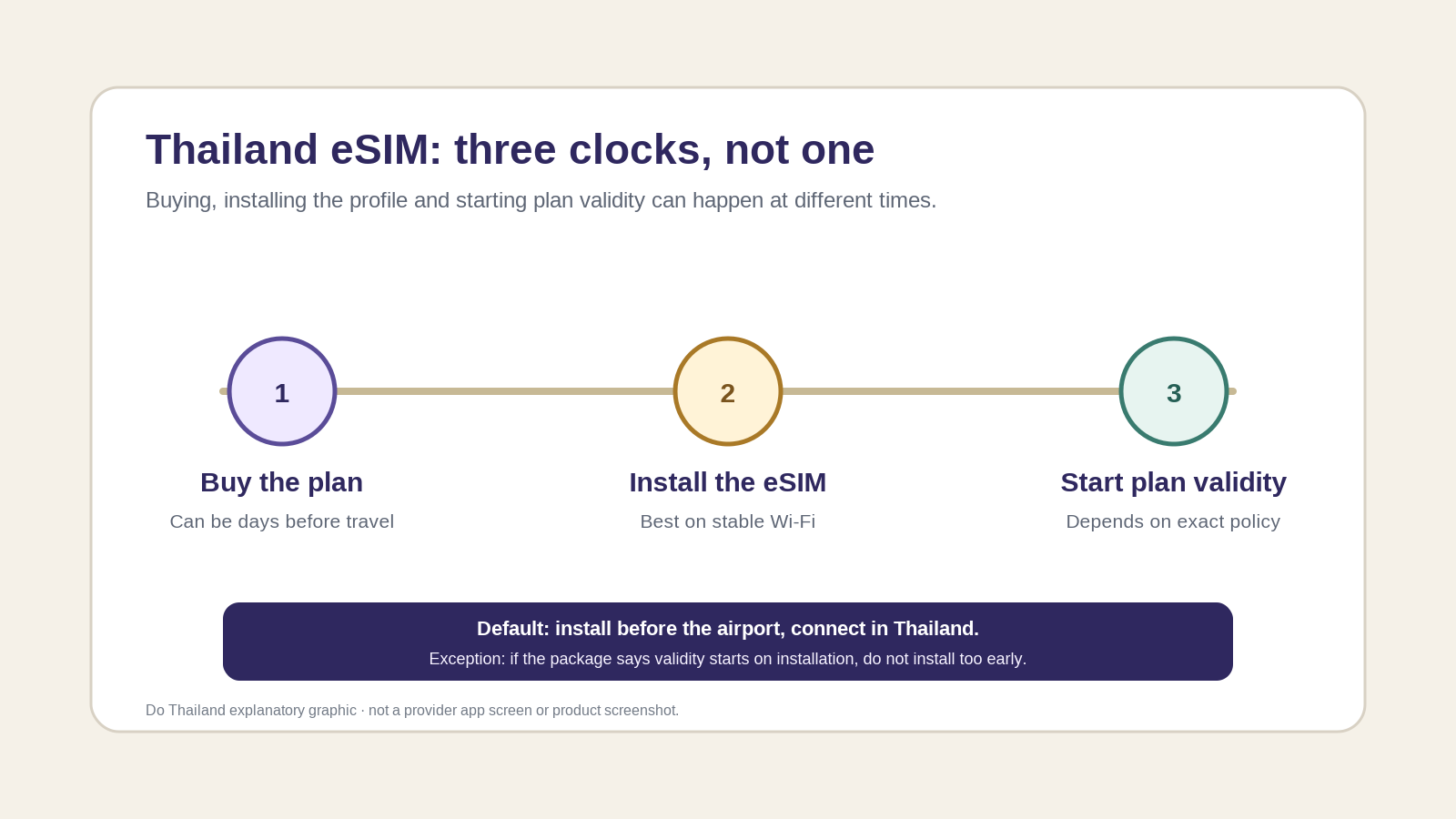
Install before the airport when the package says validity begins only after connection in its coverage area. You get the difficult part done while you still have stable Wi-Fi, your password manager, a second screen if you need a QR code, and enough time to fix a setup problem.
Wait until close to departure when the package says validity begins at installation. Installing a seven- or ten-day plan several days early can spend part of the validity before the trip starts.
Do not assume one provider has one universal rule. Airalo currently shows different Thailand activation behavior across different package types. Saily uses a different model again. The package-level policy is more important than the provider logo.
There are three clocks, and only one of them should control your decision
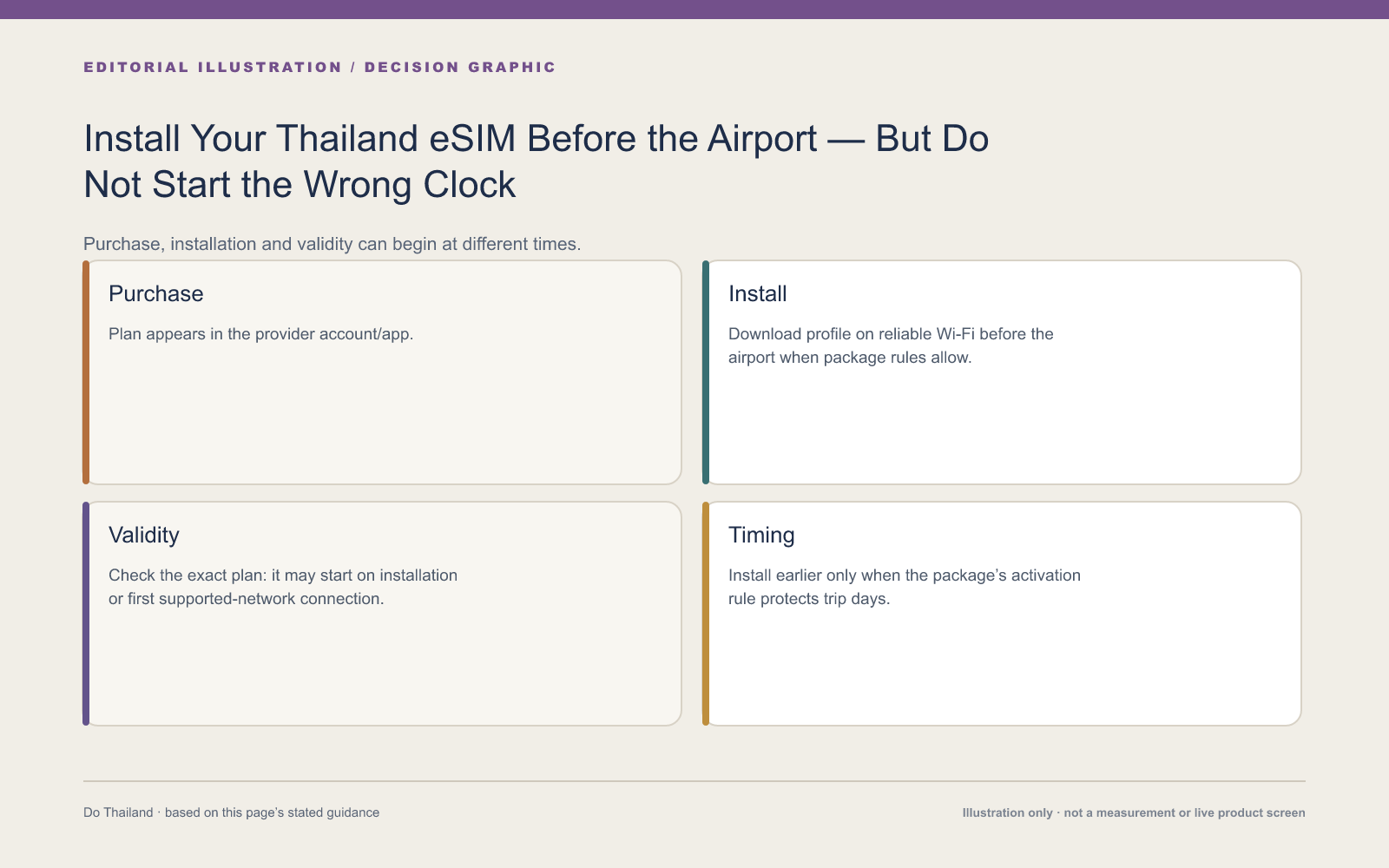
The confusion comes from treating “buy,” “install” and “activate” as if they are interchangeable. They are not.
Purchase
You pay for the plan and it appears in your account or app. This can happen well before departure, subject to the provider's purchase and activation-window rules.
Installation
The eSIM profile is downloaded to your phone. Apple says eSIM setup normally needs an internet connection, which is why doing this on your normal home Wi-Fi is often easier than relying on an airport network.
Validity
This is the one that can cost you usable trip days. Depending on the exact package, the validity period may begin at installation, first supported-network connection, or another stated activation event.
If you remember only one thing, make it this: read the validity or activation policy before installing, not after. Airalo's current Help Center explicitly tells travelers to check the package's validity policy because most packages start on supported-network connection, but some start when the profile is installed.
The safest default is 24–48 hours before departure, on Wi-Fi you trust
I would not leave the installation until you are standing at baggage claim. There is little upside to adding another technical task to the moment when you are also checking the hotel address, pickup zone and luggage.
Installing one or two days before departure gives you time to confirm that the profile appears in your phone settings, label the line clearly and save the provider's connection instructions. It also gives you somewhere sensible to troubleshoot if the QR code, app installation or account login does not behave as expected.
A low-friction timing sequence
Check device compatibility, carrier lock status and the exact package activation policy. Install only if the policy makes early installation safe.
Keep the travel line identifiable, save instructions offline and make sure your home-line roaming setup is intentional.
Turn on/select the travel eSIM for mobile data and follow the provider's exact roaming/APN/network instructions.
Open a webpage, map or message thread over cellular data. Do not discover the problem after you reach the taxi lane.
If you still need to decide between pre-travel setup and buying from a Thai carrier after arrival, start with Thailand eSIM vs airport SIM. If the profile is already installed but refuses to connect, use the separate Thailand eSIM troubleshooting guide rather than deleting it impulsively.
Airalo is the best example of why you must read the exact Thailand package
Airalo's general guidance says most eSIM validity periods begin when the eSIM connects to a supported network in its coverage area. Its current Thailand inventory shows why the word most matters.
Current Thailand data-only package: connection starts the clock
Airalo's current Thailand data-only product page states that the package starts when it connects to a supported network. For that type of package, installing before departure is normally the lower-friction choice because simply adding the profile at home does not start the usable Thailand period.
Current Thailand Dtac calls/texts package: installation can start the clock
Airalo's current Thailand Dtac data/calls/texts product page states that the package starts when the eSIM is installed. That is a materially different rule. If you choose that package, installing several days early can make the validity countdown begin before you reach Thailand.
This is why I would not publish a blanket instruction such as “always install Airalo before you fly.” The better instruction is: check the Activation Policy or package details, then install according to that specific package.
It also means the plan you choose can change the setup timing even inside the same provider. If you have not decided your allowance yet, the separate Thailand data allowance guide explains when 5GB, 10GB, 20GB or an unlimited-style plan makes sense without turning the answer into a provider popularity contest.
Saily's current Thailand setup is different
Saily's current Thailand page says the data plan activates automatically when you arrive in Thailand, provided the Saily eSIM is turned on and data roaming is enabled for that line. Its Help Center tells travelers to install the eSIM before travel and prepare it for automatic activation at the destination.
There is another clock to notice: Saily currently gives a purchased plan a 180-day activation period. If it has not been activated by then, the Thailand page says it activates automatically. Once service is active, the plan's validity runs; check the exact package and activation instructions before buying far ahead.
That gives you more room to buy ahead than a 30-day window would, but it is not indefinite. Install and activate with enough time to test the setup, while keeping the automatic-activation date in mind.
Why I would not make airport Wi-Fi your installation plan
Airport Wi-Fi can be perfectly usable. It is still a poor default for a task that normally needs a stable connection and may require account access, a QR code, an activation code or a provider app.
Apple's current eSIM setup guidance says iPhone generally needs Wi-Fi or cellular connectivity to set up an eSIM, with limited exceptions for some eSIM-only models in some locations. If the airport connection is slow, the login portal expires or you are trying to scan a QR code displayed on the same phone, the “quick digital setup” suddenly becomes the longest part of arrivals.
This matters more if you are landing alone late, continuing directly to a pier, or trying to coordinate a driver. At that point, mobile data is not entertainment. It is the tool you need to find the pickup point and message the person waiting for you.
Bangkok arrivals can already involve a transport choice; see BKK vs DMK. For Phuket, the Phuket Airport to Patong guide is much easier to use when your phone has cellular data before you leave the terminal. The same applies to a late Chiang Mai Airport arrival and the road handoff in our Krabi Airport to Ao Nang guide.
Do this one test before you walk away from arrivals
Turn Wi-Fi off for a minute and make the phone prove that cellular data works. Open a fresh webpage or a map tile you have not already cached. Send a short message. Then turn Wi-Fi back on if you want it.
This tiny test separates “the eSIM is installed” from “the eSIM is actually carrying data.” If it fails, stay near a stable connection and work through the troubleshooting order. If you are keeping the home line active for bank texts, confirm the data line still points to the travel eSIM using our home-SIM and OTP setup guide.
iPhone and Pixel now make the arrival handoff easier, but the provider rule still wins
Apple's current international eSIM guidance notes that iOS 26 can prompt travelers who bought a travel eSIM before departure to turn it on when they arrive. That is useful because it separates preparation from actual travel use. Apple also lets you choose the travel eSIM as the cellular-data line while keeping a home line active, although the home line can still create roaming charges depending on your carrier and settings.
Google's current Pixel documentation lets supported phones add an eSIM in Settings and use dual-SIM preferences. Google's travel guidance recommends using a prepaid international eSIM and activating it when you arrive. In practice, that means the phone can be prepared before the trip while the travel-data handoff happens at the destination.
Neither Apple nor Google can override the package's own validity terms. Device setup and provider billing are separate systems. The provider's activation policy is still the deciding document for when the plan clock starts.
If you want a Thailand eSIM set up before departure
Airalo currently lists multiple Thailand package types, and the activation rule is not identical across all of them. Compare the current packages, then open the package details and check exactly when validity begins before you install.
If you already installed too early, do not make the problem bigger
First, check whether your validity period has actually started. An installed profile does not automatically mean every provider has started counting days.
If the exact package does start at installation and the clock is already running, deleting the eSIM rarely gives those days back. Check the provider account for the remaining validity and use support before removing the profile. Airalo warns that the policy can differ by package; Saily says an activated service cannot be paused.
If you are worried mainly about running out of data rather than time, do not buy a second plan blindly. Read how much Thailand data you actually need and decide whether a top-up, a larger replacement or simply more hotel Wi-Fi is the better fix.
My timing rule
Buy when you are ready, install 24–48 hours before departure if the package policy allows it, and make the plan prove it has mobile data before you leave the Thailand airport Wi-Fi zone.
The mistake is not installing “too early” or “too late” in the abstract. The mistake is starting a package whose validity begins at installation several days before your trip — or waiting until arrivals to discover you needed stable internet to install it.