
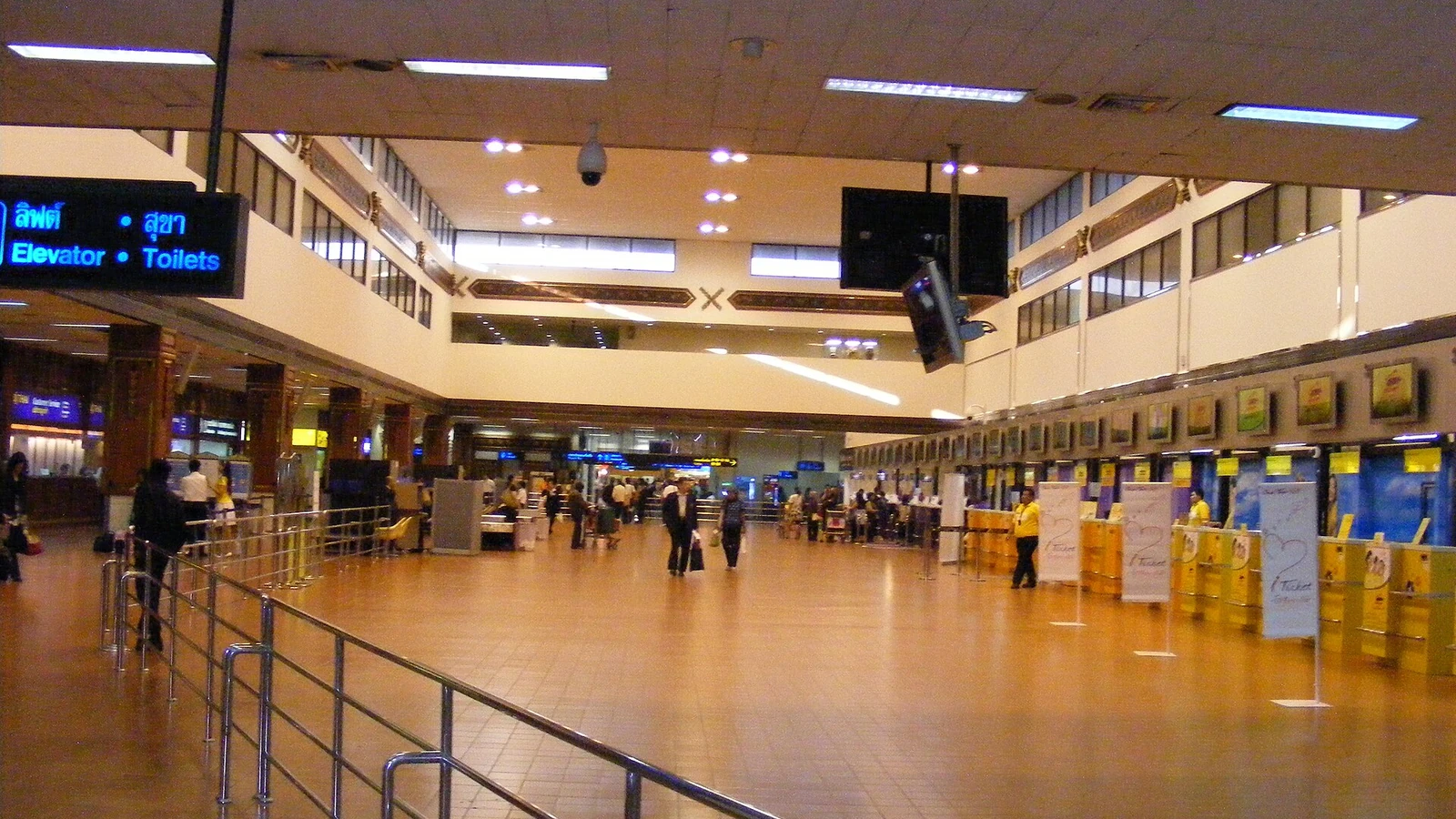
The useful decision is not “does DMK have Wi-Fi?”
It is: will the phone still work after you stop depending on the airport? Airports of Thailand currently lists airport Wi-Fi access through the SAWASDEE by AOT app for up to three hours. That makes the terminal a useful setup zone, but it is not evidence that your travel eSIM is carrying data.
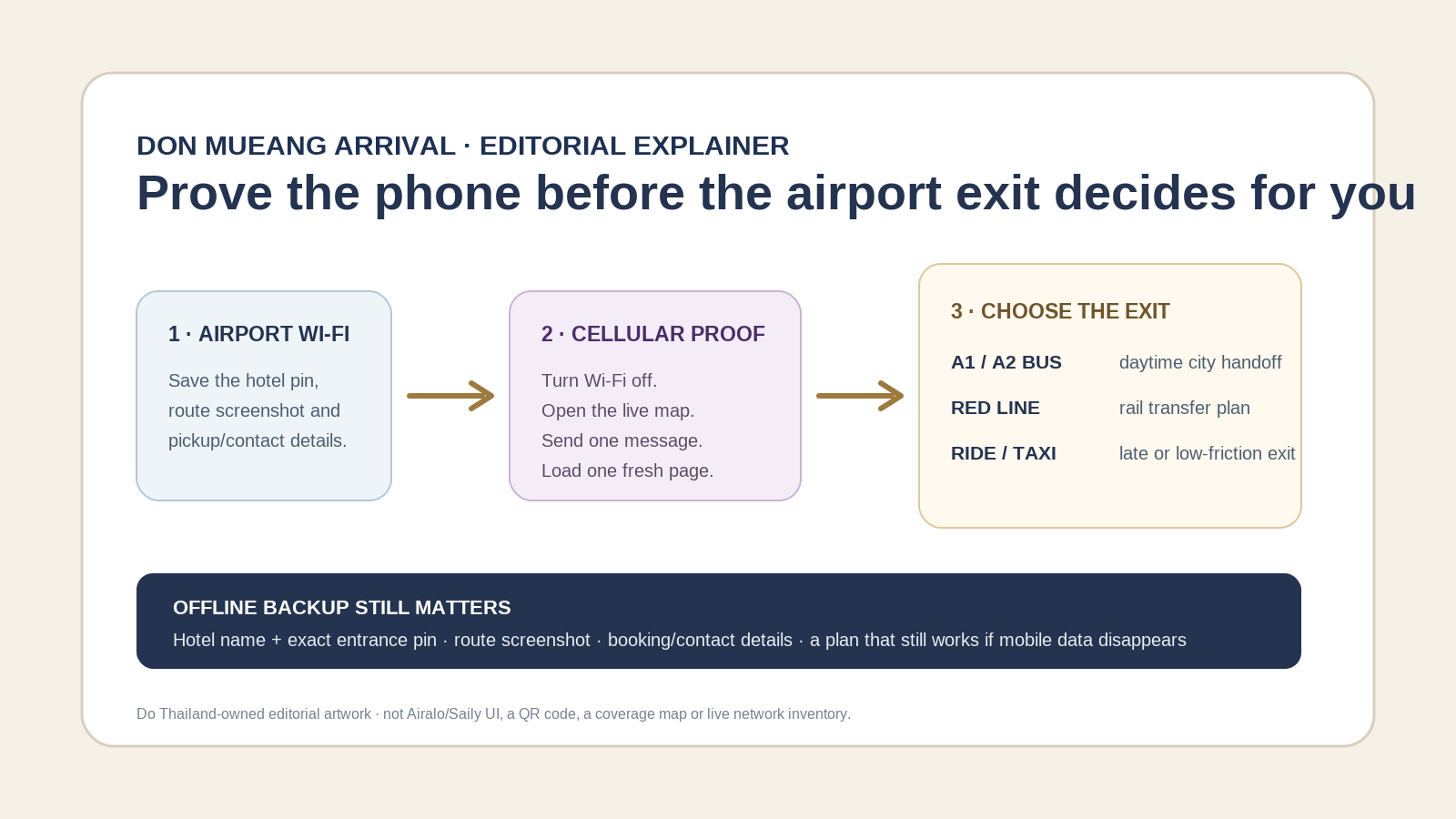
Before you walk toward transport, switch Wi-Fi off for a moment. If a fresh map, message and webpage load over cellular, the phone has passed the handoff. If they do not, you still have a controlled place to troubleshoot.
If you are still deciding which Bangkok airport to use, the connectivity problem sits inside a larger transport choice; start with BKK vs DMK. If you have not bought mobile data yet, compare the trade-off in Thailand eSIM vs airport SIM rather than assuming a pre-travel eSIM is automatically the right purchase.
Choose your DMK exit mode before you troubleshoot the phone
A1 or A2 bus
This is the strongest reason to make the phone test early. Once you board, the useful next step may be a BTS/MRT connection, a walk, or another ride. Save that next handoff before the bus starts moving.
Red Line
If your hotel route works through Krung Thep Aphiwat/Bang Sue, use the dedicated DMK to Sukhumvit Red Line guide. The phone should support the transfer; it should not be the only place where the transfer plan exists.
Taxi or ride-hailing
A live pin and messaging matter more here because the final destination can be a specific hotel entrance rather than a station. Keep a screenshot of the hotel name and address even when the app is working perfectly.
The current A1/A2 clock changes how much cellular failure you can tolerate
Airports of Thailand's Don Mueang transport page, checked 12 October 2026, lists the A1 to Mo Chit 2 from 06:50 to 23:59 and the A2 to Victory Monument from 05:00 to 22:00, both at 15-minute intervals. It lists a flat 30-baht fare for A1 and A2. The airport page places the service counter at Terminal 1, Floor 1, Gate 6 and identifies Gate 6 and the Service Hall among the pickup points. Check the live airport listing before travelling, especially if your arrival leaves little time for the last bus.
| DMK option | Current AOT listing | What the phone needs to do |
|---|---|---|
| A1 → Mo Chit 2 | 06:50–23:59 · about every 15 minutes · 30 THB | Keep your onward BTS/MRT/hotel route readable after leaving the airport. |
| A2 → Victory Monument | 05:00–22:00 · about every 15 minutes · 30 THB | Know the exact onward stop or hotel handoff; do not assume “Victory Monument” is the end of the travel problem. |
| Red Line | AOT lists the suburban Red Line as a DMK transport option. | Keep the station-transfer plan offline enough that a temporary data drop does not erase the route. |
| Taxi / Grab | AOT currently lists metered taxis and Grab ride-hailing among DMK arrival transport. | Load the exact hotel entrance, keep the address screenshot, and preserve enough battery for driver contact. |
For a flight near the last bus, allow time for immigration, baggage and the walk to the stop; arrange a backup transfer if that leaves little margin. Touchdown is not the same as reaching the public arrivals area. For an international arrival, passport control, baggage and customs sit between the aircraft and the transport choice. If you are already close to the last useful departure, do not spend your remaining margin repeatedly rebooting a phone at the curb.
Run this 90-second DMK cellular proof
This is not a speed test. You only need to prove the functions that matter in the next hour.
Make sure the status bar is no longer quietly using the terminal network.
Move the map and request fresh directions so you know data is actually loading.
Use the app you will rely on for a hotel, friend or driver—not a cached chat screen.
Open a new page or refresh a route detail. If all four work, stop troubleshooting.
If you installed the plan before the flight, the relevant timing question is covered in when to install and activate a Thailand eSIM. If you kept your home number active for bank codes, use the safer routing model in keeping the home SIM for OTPs and verify the line roles in which SIM should have data roaming on.
Save a DMK exit packet that still works with zero data
Before leaving the terminal, keep four things locally on the phone:
1. Exact hotel entrance: a map screenshot with the property pin and the nearest obvious landmark. Large Bangkok hotels can have more than one road edge, mall entrance or driveway.
2. Hotel name and address: save the booking confirmation or a screenshot. A driver should not need your live browser to discover where you are staying.
3. Your chosen transport chain: A1/A2 plus the next station or ride, or the Red Line transfer; save each connection through to the hotel.
4. One contact route: hotel, driver or travel companion details that you can read even if messaging temporarily stops updating.
This packet is especially useful when landing alone after dark: it removes the need to stand outside solving a route while also managing luggage, battery and a ride pickup.
If cellular data fails, repair the line in the least destructive order
Do not start by deleting the eSIM. A provider profile can have reinstallation limits, and deletion turns a simple settings problem into a recovery problem. If you are tempted to remove the profile, read the delete/reinstall decision first.
- Confirm the travel eSIM is enabled and selected for mobile data. A successfully installed profile can still be the wrong data line.
- Check the provider-specific roaming instruction. Airalo currently tells users to follow the roaming setting shown for the exact eSIM; Saily currently instructs users to enable Data Roaming on the Saily profile and disable mobile-data switching on arrival.
- Only touch APN if the provider requires it. Airalo says that when no APN is listed, the eSIM is configured automatically. Use the APN change-or-leave-alone guide instead of copying a value from another traveler.
- Toggle airplane mode or restart once after the settings are correct. Then test again with Wi-Fi still off.
- Escalate to the provider before buying another plan. The broader Thailand eSIM troubleshooting flow and refund/support decision cover the cases where a working connection still does not return.
Airalo's current support material also recommends turning off Cellular Data Switching on iOS so the device does not quietly move data to another line. Saily's current arrival instructions similarly say to disable the personal/primary SIM and mobile data switching to prevent unintended home-carrier roaming. If keeping the home line active is essential, do not blindly copy the “turn it off” advice; preserve the number for the job you actually need and route data deliberately.
Keep your existing messaging number when you set up data at DMK
A data-only travel eSIM does not mean you should casually re-register WhatsApp, LINE or iMessage. The cleaner model is to change the data path while preserving the messaging identity you already use. If an app prompts you to change a number after the new eSIM is enabled, use the app-specific decision in Thailand eSIM with WhatsApp, LINE and iMessage before accepting the prompt.
Late arrival rule: protect the exit, not the theoretical last bus
The current AOT listing shows the A1's final departure at 23:59 and the A2's at 22:00. Your practical cutoff is earlier if you still need immigration, baggage, a walk to the pickup point and an onward connection. If that chain is becoming rushed, arrange a road-transfer backup instead of relying on a bus you may not reach in time.
For a late solo arrival, I would rather have the exact hotel pin, a charged phone, a working ride/taxi fallback and a calm pickup than race a final public-transport departure just because the timetable technically allows it.
DMK and BKK should not use the same arrival script
At Suvarnabhumi, the useful first-hour transport set is different, which is why the separate Suvarnabhumi eSIM arrival check focuses on its own exit logic. At Don Mueang, the decision is more explicitly a split between bus, Red Line and road transport. The connectivity job is to keep that split usable—not to chase a benchmark speed number in the terminal.
When you should buy nothing at Don Mueang
If your existing eSIM passes the cellular proof, the hotel/route packet is saved offline and your data allowance still covers the trip, there is no connectivity problem to solve. Do not buy a second plan because an airport counter or search result makes another purchase feel like extra safety. A second profile also gives you another line to label, route and potentially misconfigure.
A Thai physical SIM can still be the better choice if you discover you genuinely need a Thai phone number, your device cannot use the travel eSIM, or provider support confirms the paid profile cannot be restored.
Need a replacement travel-data plan?
If the current eSIM cannot be recovered, your phone is compatible and you still want a data-only travel eSIM rather than a Thai carrier SIM, compare the exact live validity, allowance, activation and roaming instructions again before checkout.
Sources checked
Current sources checked
Transport details were checked on 11 August 2026 against Airports of Thailand's current Don Mueang BMTA page and AOT's current SAWASDEE transport/Wi-Fi information. Current connection workflow was checked against Airalo Help Center's current APN guidance and Saily's activation guidance. Product rules can change; recheck the exact plan and provider instructions you are buying.